

What Transcriber does
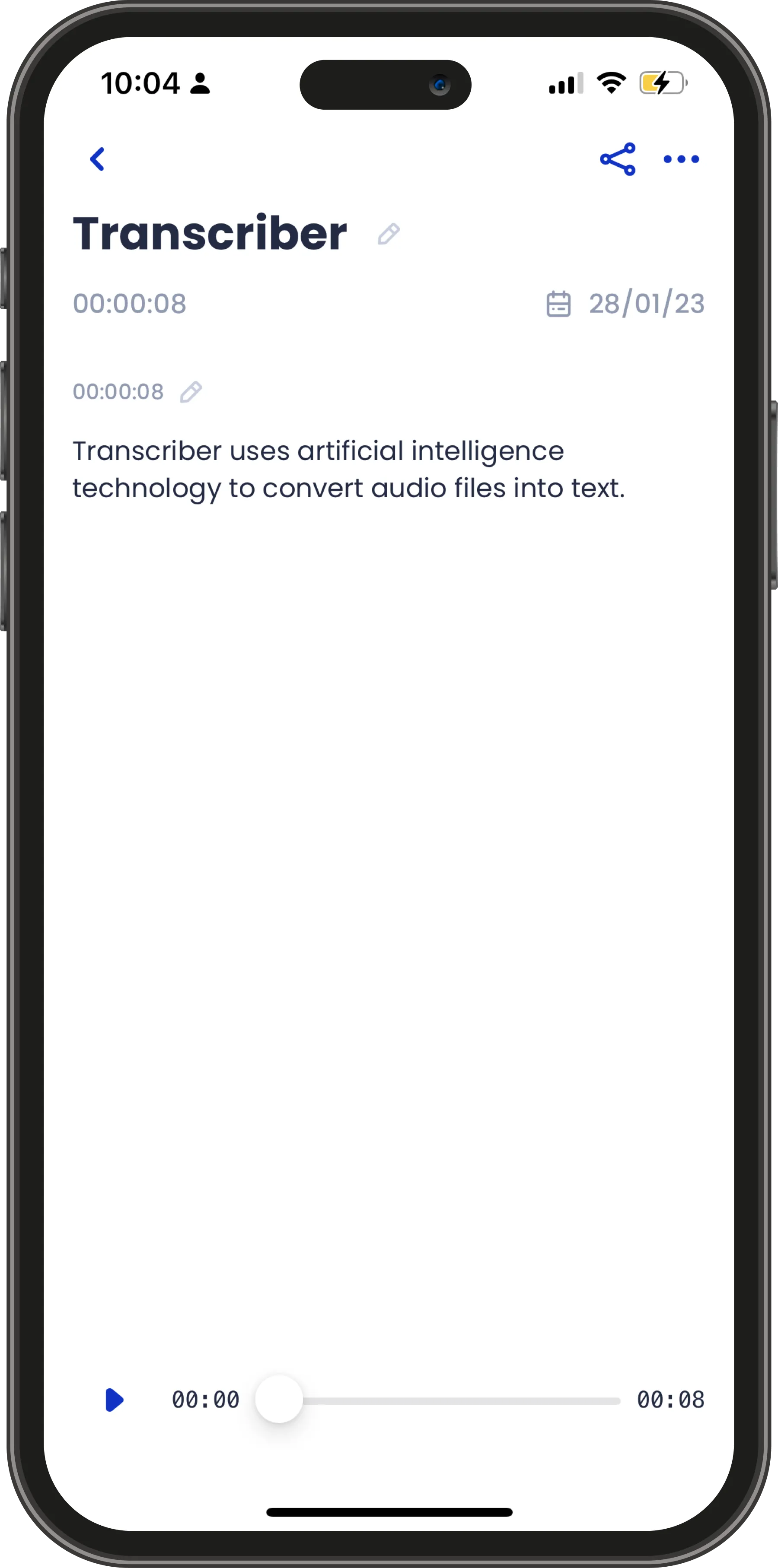
Transcriber uses artificial intelligence to turn audio into text, then stores every transcript as an encrypted document on your device. Pick a different language for each interview, run several transcriptions at once, and edit and export the results in whatever format your work needs. Transcription runs on our servers, so it needs an internet connection; everything else works offline. One monthly subscription covers unlimited transcriptions, on iPhone, iPad, Apple Watch and Mac.
Encrypted, document-based files
Every interview is kept as an encrypted document on your device, so your library stays yours.
Record something new or import an audio file you already have — either way, Transcriber wraps it in a document only you can open. Transcribing uploads the audio to our servers for processing, and it is deleted there as soon as the transcript comes back.
Built for multilingual work
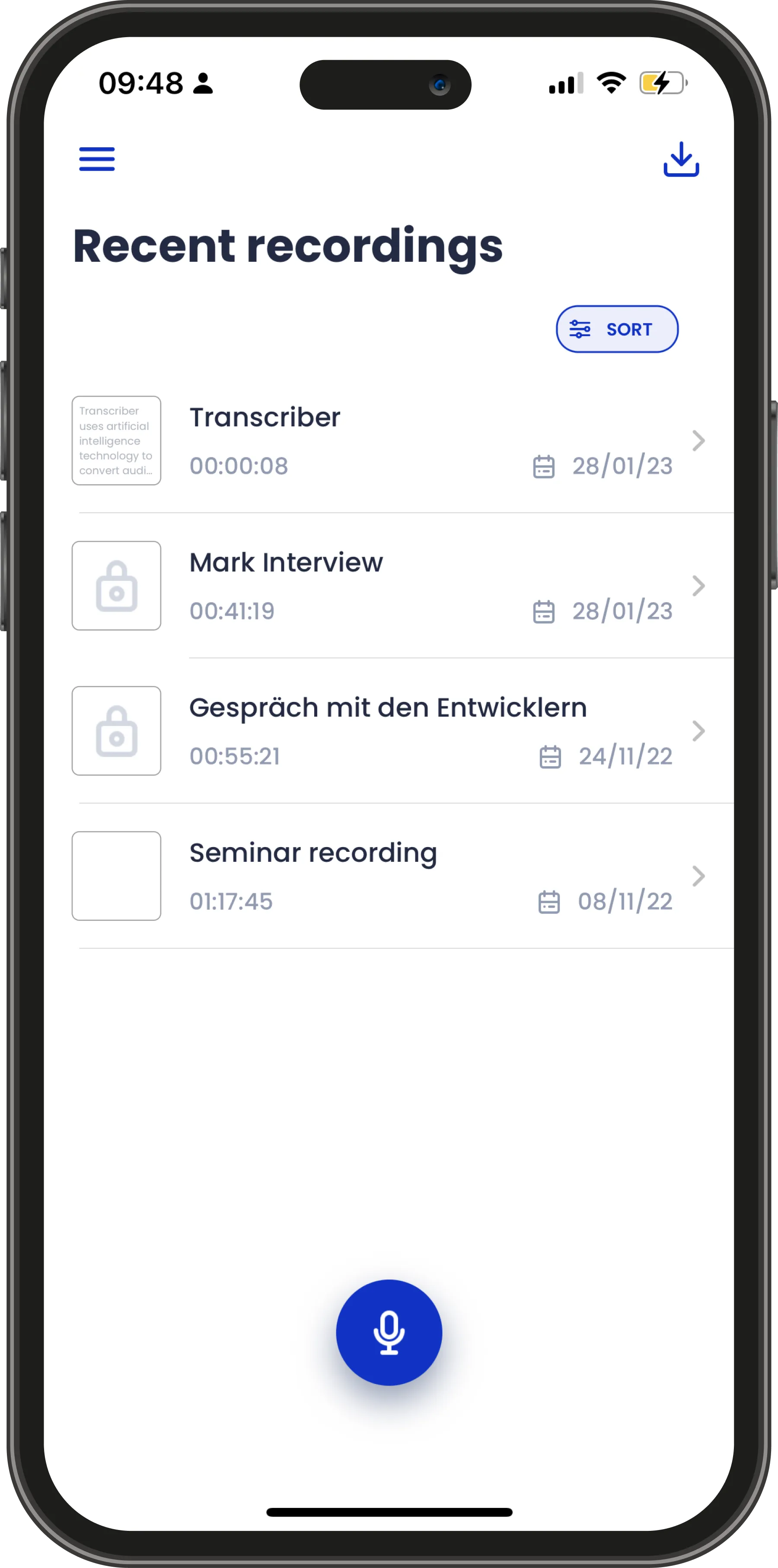
Choose a default language in Settings, then override it for any individual interview.
With more than 120 languages and regional variants, Transcriber suits researchers and teams whose work does not happen in a single language.
Run transcriptions in parallel
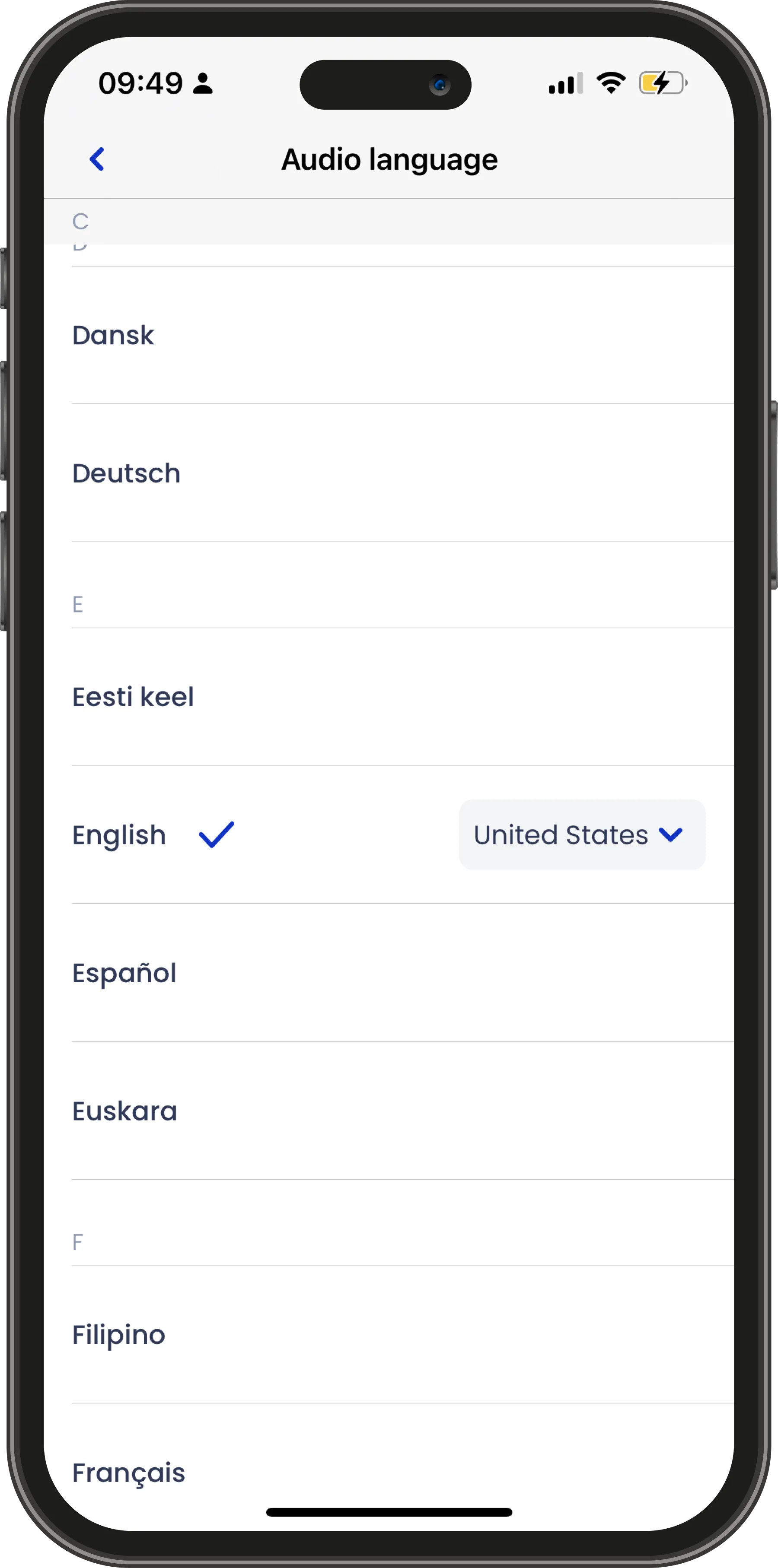
Transcriber processes several interviews at the same time instead of queueing them one behind the other.
Start a morning’s worth of recordings, carry on with something else, and come back to a finished set of transcripts.
Fix what the AI got wrong
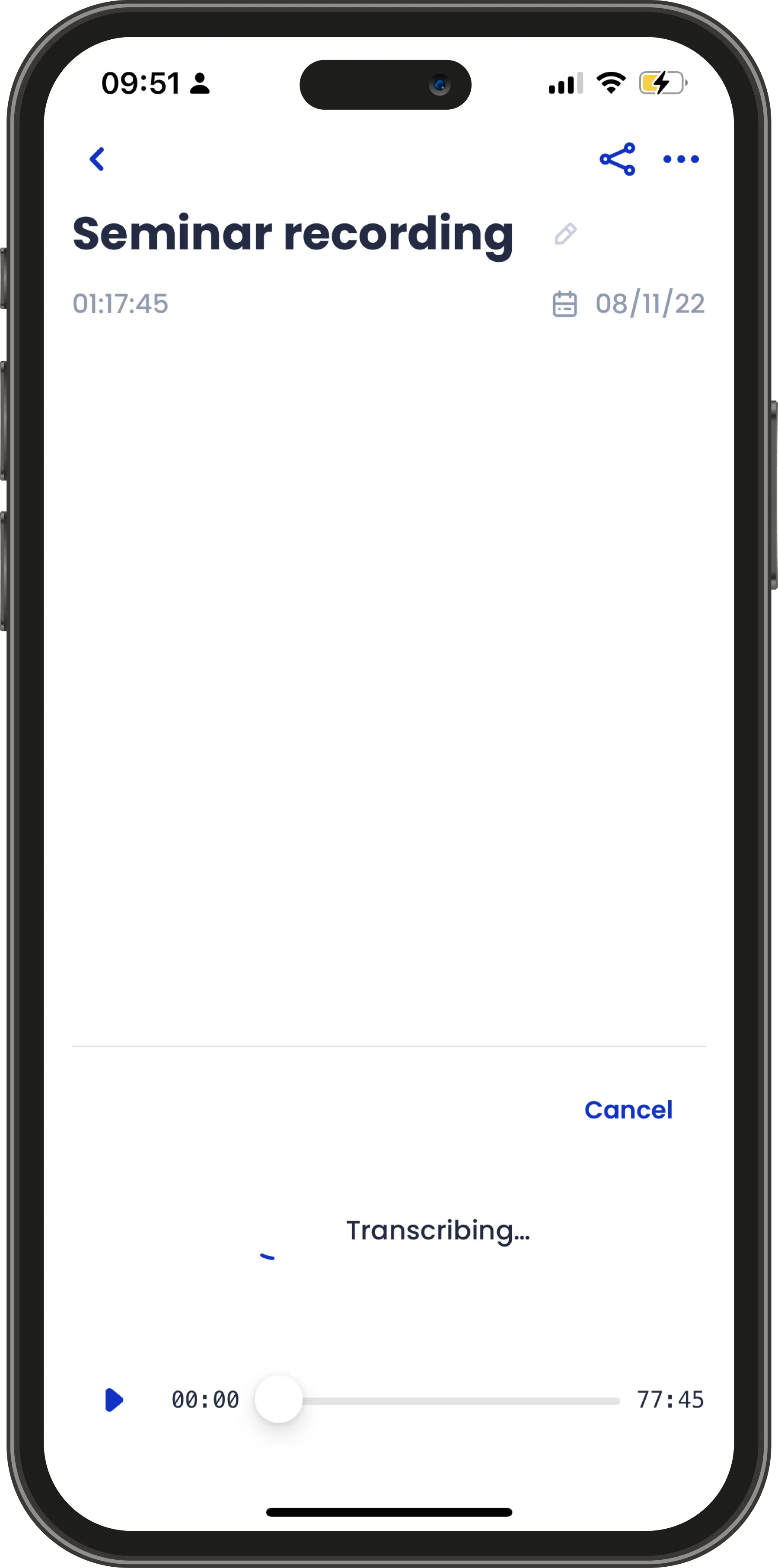
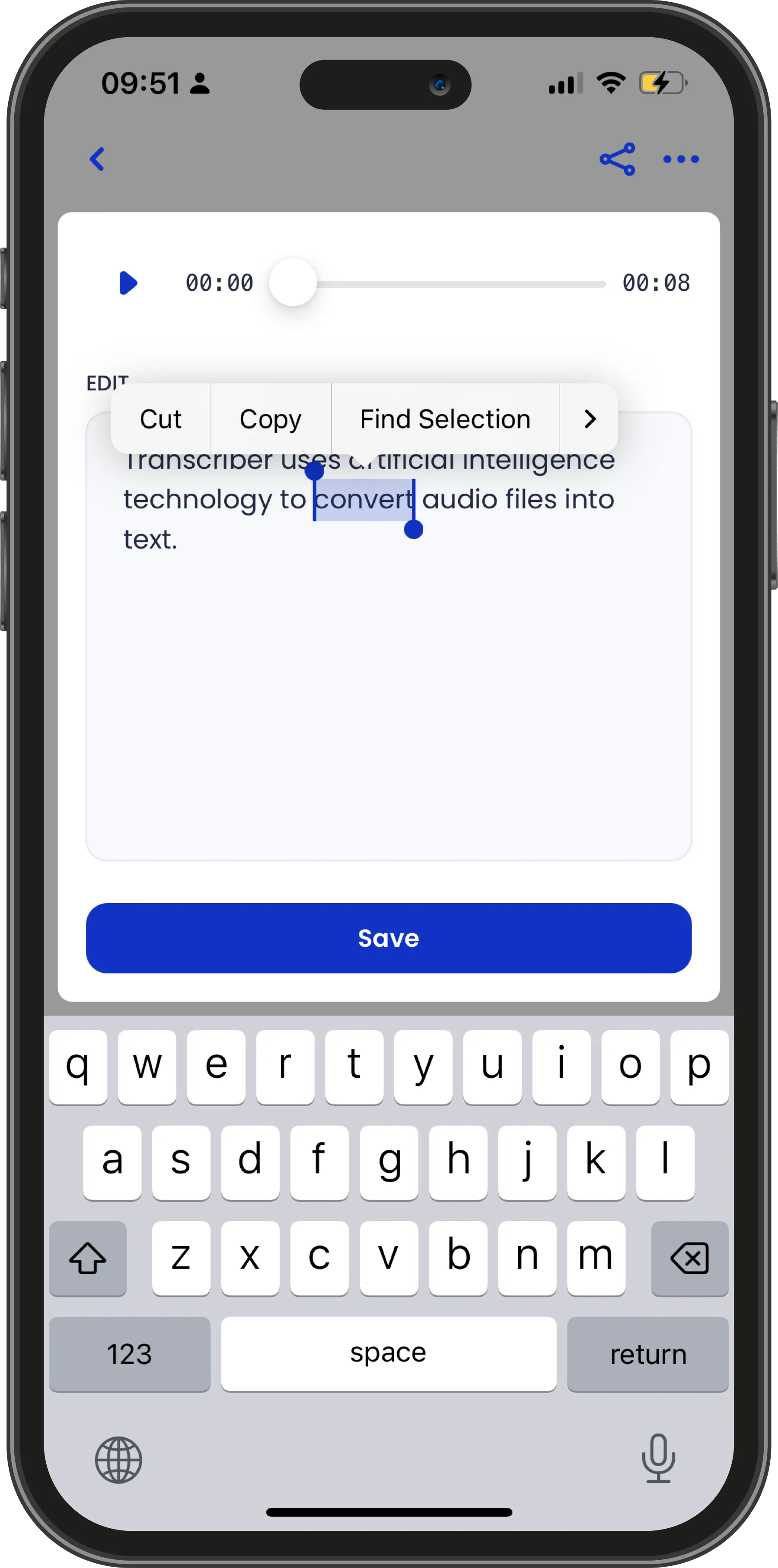
Names, acronyms and technical vocabulary trip up every transcription engine. Correct them directly in the transcript.
Each edit is saved as a new revision, so you can always see what changed and when.
Export in the format you need
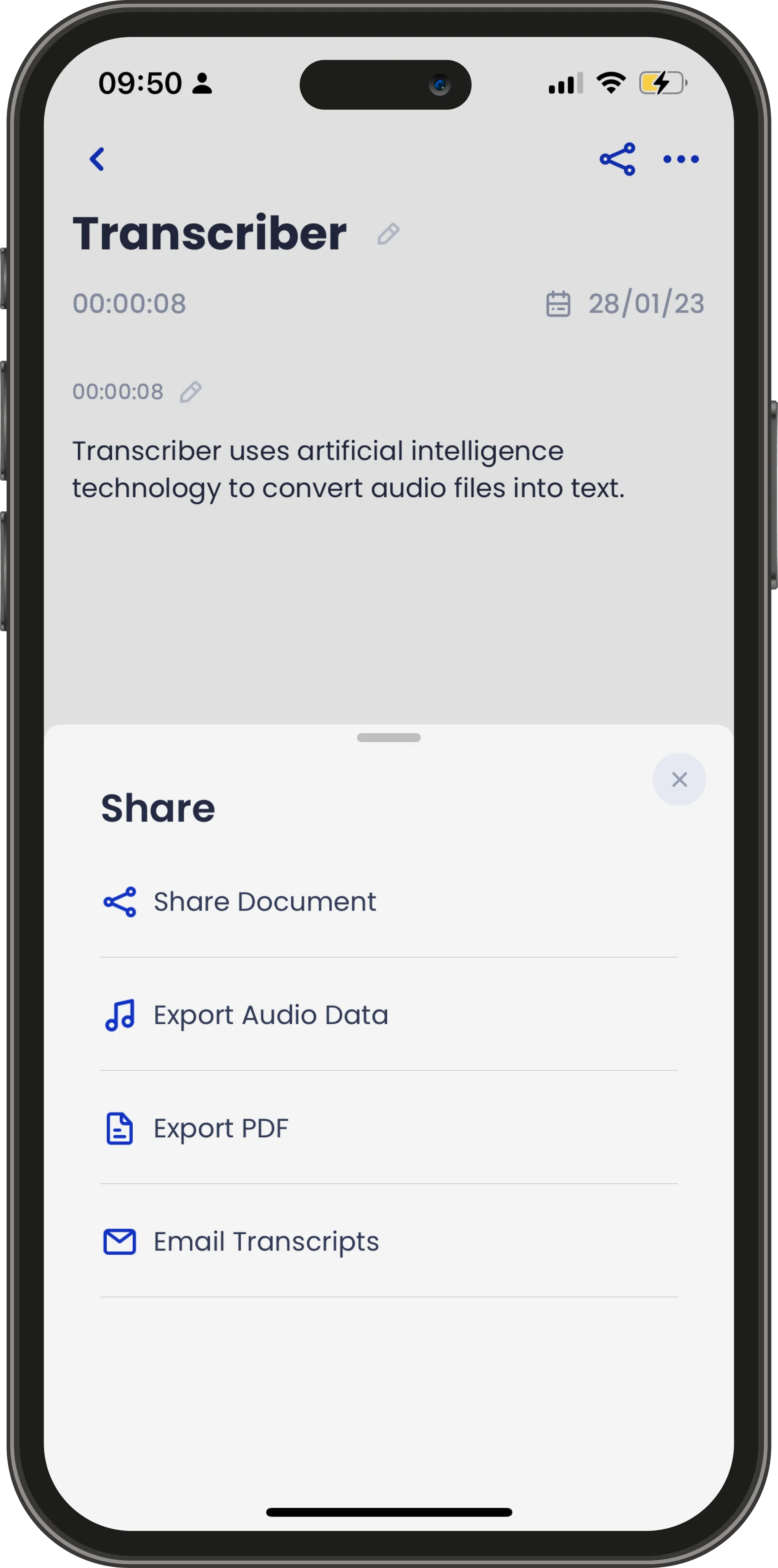
Share a transcript as a PDF, hand over the original audio, or send the full Transcriber document.
Colleagues who have the app can open the document on their own device with the transcript and audio intact.
One price, unlimited transcriptions
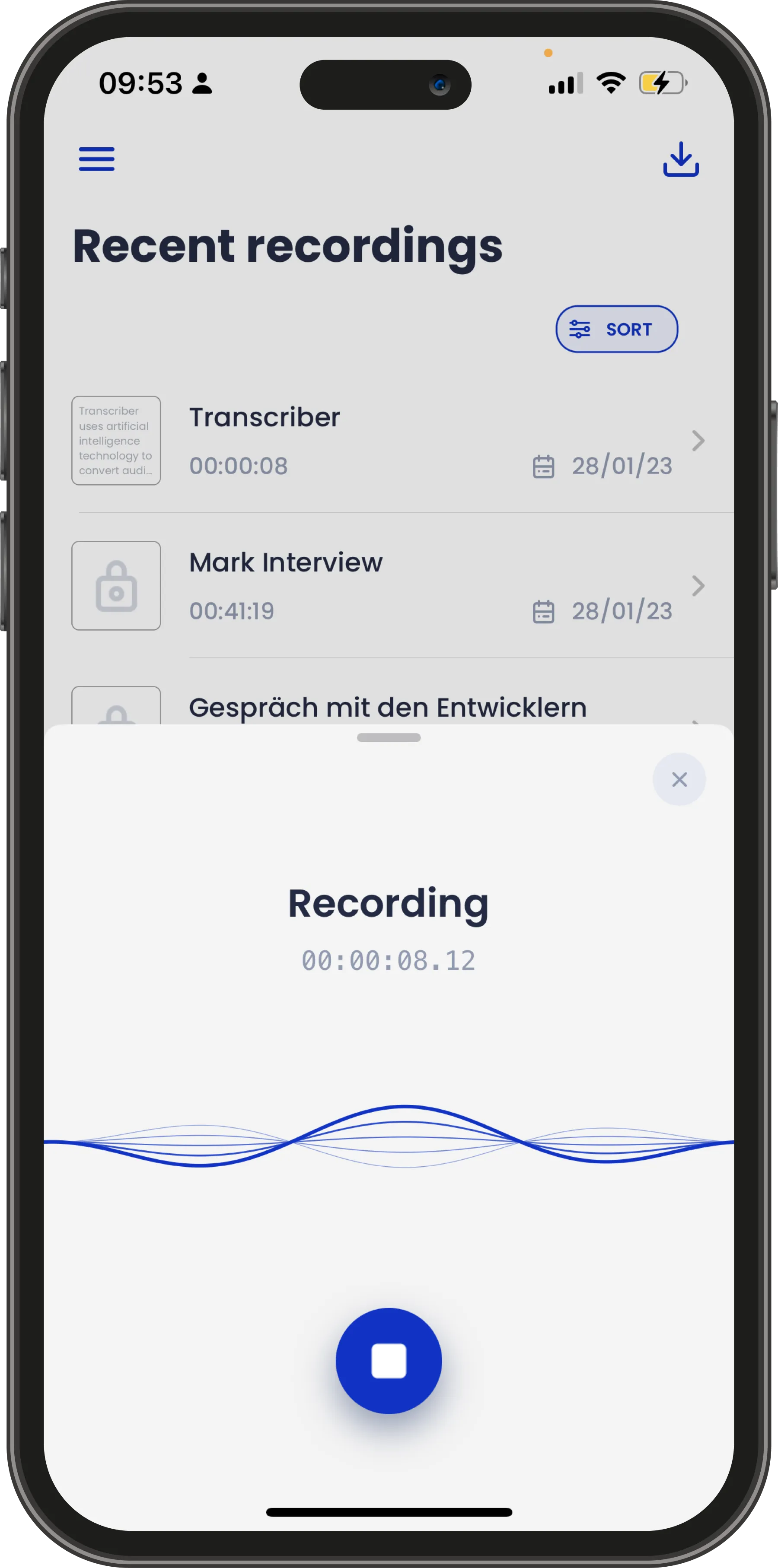
Transcriber is a single monthly subscription — no per-minute charges, no credit bundles to top up.
We think good tools should not bill you by the hour, so transcribe as much as your work requires.
On every device you own
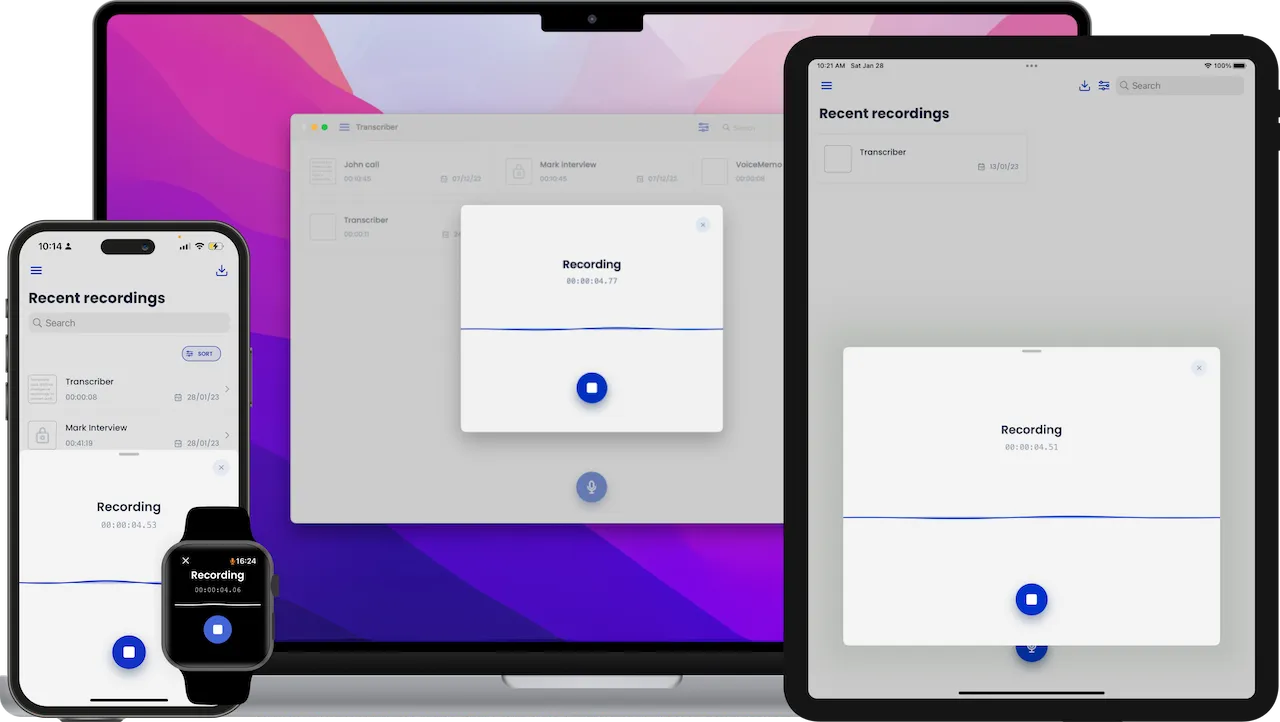
Transcriber syncs through iCloud across iPhone, iPad, Apple Watch and Mac.
Record an interview on one device and pick the transcript up on another, without exporting anything by hand.
Interviews from your wrist
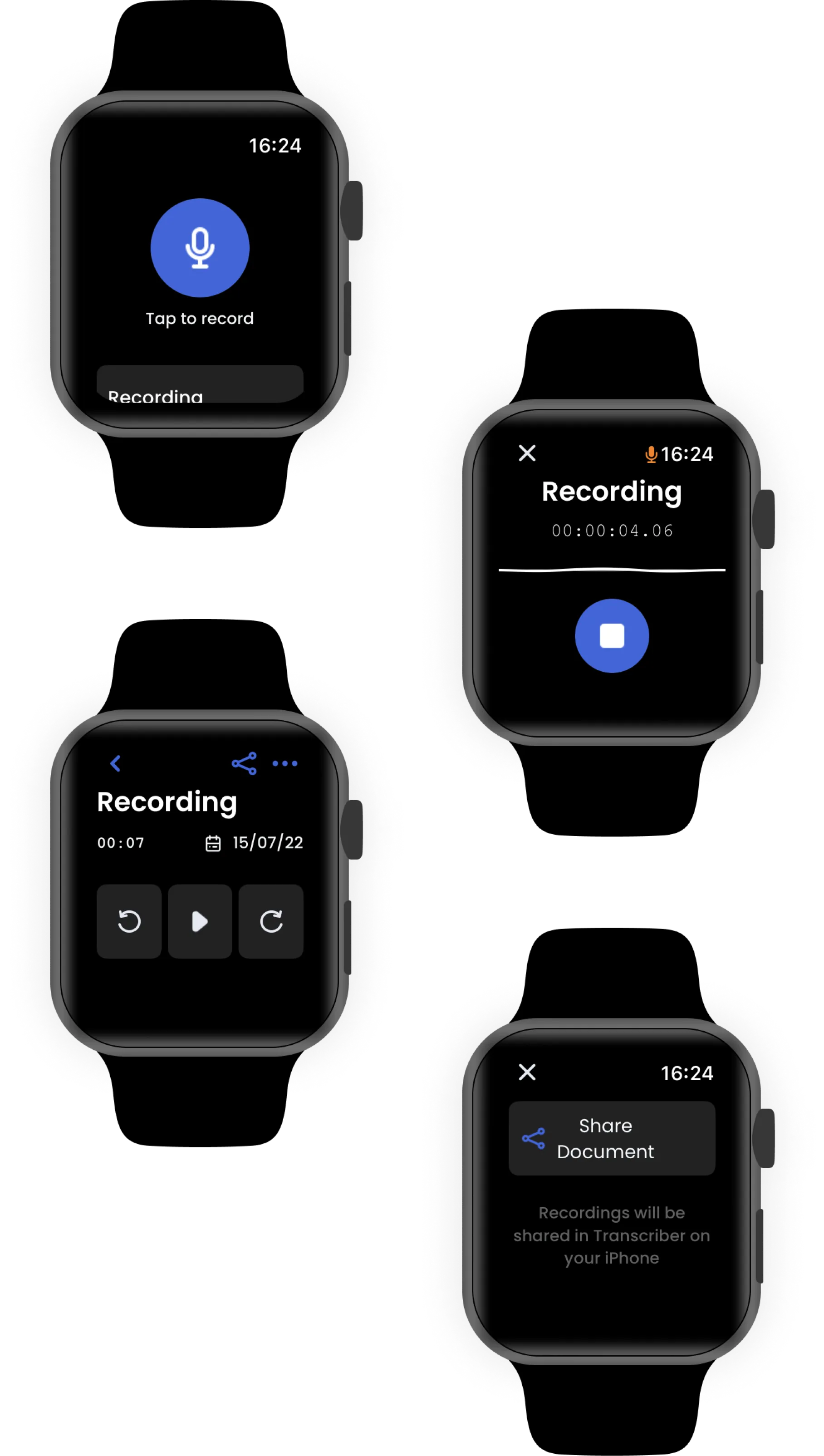
Transcriber runs as a standalone app on Apple Watch.
Start a recording from the watch face in a single tap, then transcribe it when you are back at your desk.
What people say
Simple
The app has a user-friendly interface and is therefore easy to use. The editing of externally recorded audio files also works well, so they can also be transcribed.
Clean
Habe mehrere mp3 einfach und schnell transkribiert. Die Erkennungsrate ist dabei echt gut — zumindest bei Hochdeutsch. Kann man echt empfehlen!
Intuitive
The result is in my opinion satisfactory. I find the customer service very praiseworthy, which is very accommodating and friendly when problems and questions arise.
Packed with features
The highlights are below. The full list, with what each one actually does, is on the features page.
- Built-in recorder
- Accurate transcripts
- Easy to use
- Editable transcripts
- Clean overview
- Document-based
- Dark mode
- Private and secure
- Over 120 languages
- Revision history
- Apple Watch companion
- Share and export
Frequently asked questions
The questions we are asked most often, answered.
What is Transcriber?
Transcriber is a productivity app for iPhone, iPad, Apple Watch and Mac that turns your interviews into text. It uses artificial intelligence to convert audio files into transcripts you can search, edit and export.
Do I need an internet connection?
Yes, for transcribing. The speech-to-text step runs on our servers, so the audio has to be uploaded. Recording, editing, reading and exporting all work offline.
Is Transcriber private?
There is no account and no login, and your interviews live in encrypted documents on your own device. Transcribing does send the audio to our servers, where it is deleted as soon as the transcript is returned — we do not keep it and we never use it for anything else.
Which languages are available?
Over 120 languages and regional variants, and you can set the language separately for each interview.
How secure is Transcriber?
Every interview is stored inside an encrypted document, and the upload for transcription is encrypted in transit. You can additionally restrict access to the app, or to a single interview, with a passcode, Touch ID or Face ID.
How much does it cost?
Transcriber is a monthly subscription covering unlimited transcriptions — no per-minute charges and no credits to buy. You can subscribe from inside the app under Menu → Upgrade → Subscribe.
Are there any ads?
No. We dislike ads as much as you do.
Is there an Android version?
Not yet. An Android version is in development.
Can I import interviews recorded elsewhere?
Yes. Import an existing audio file and Transcriber handles it exactly like one recorded in the app.
How do I export my transcriptions?
Send the transcript by email, export it as a PDF, or share the complete Transcriber document with someone who has the app.