
Features
Everything Transcriber does, in one place — from the recorder you start with to the formats you hand off at the end.
- 120+Transcription languages
- 4Apple platforms, one library
- UnlimitedTranscriptions on one subscription
Capture
Get the audio in — recorded on the spot from any of your devices, or imported from a file somebody else sent you.
4 features
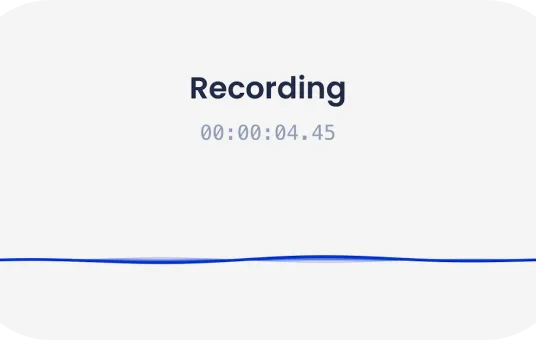
Built-in recorder
Record directly in the app — no second tool, no importing afterwards. Each recording is written straight into its own document and secured by Apple’s encryption framework.
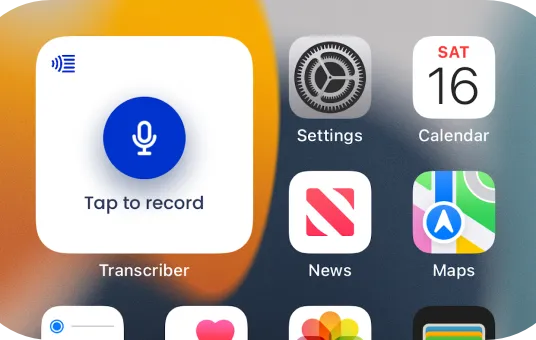
Widgets
Put your recent interviews on the home screen, and start a new recording with a single tap without opening the app first.
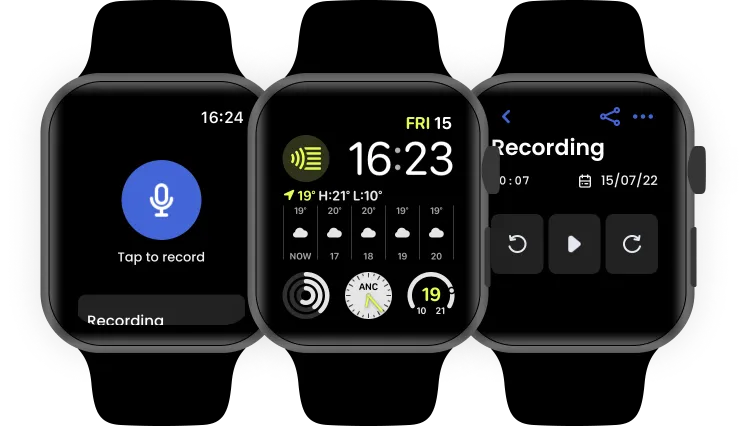
Apple Watch app
Start a recording from your wrist in one tap and check on your interviews with a glance — the Watch app runs on its own, without your phone nearby.
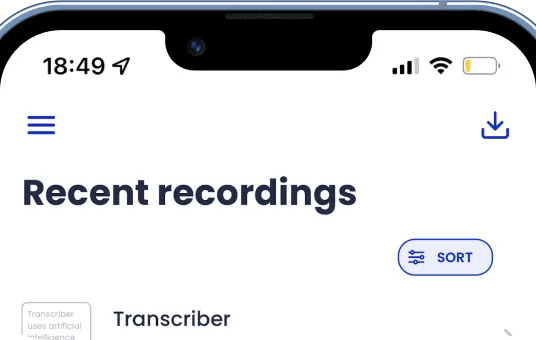
Import and export
Bring in audio recorded anywhere else and transcribe it the same way, then export the result wherever it needs to go.
Transcribe and edit
Turn the recording into text, then shape it: correct it, annotate it, and step back through every earlier version.
5 features
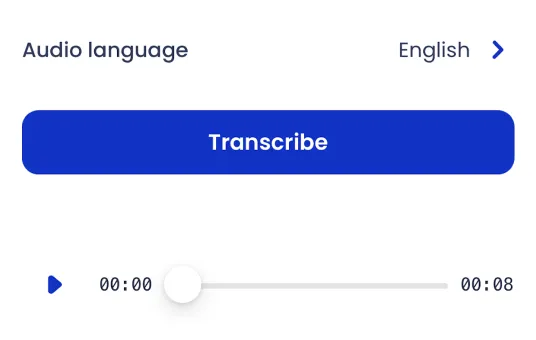
Accurate transcripts
Turn a recording into text you can actually work with, with the language set per interview so international material is handled properly. Transcription runs on our servers, so this step needs an internet connection.
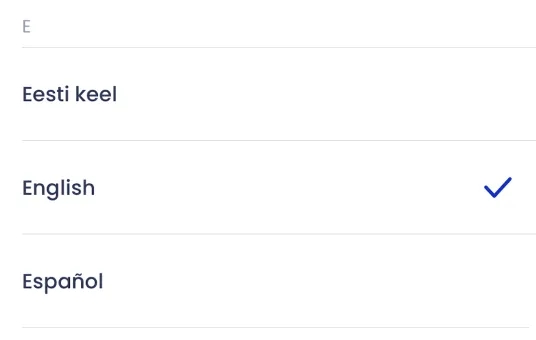
Over 120 languages
Choose from more than 120 languages and regional variants, set once as a default or changed for an individual interview.
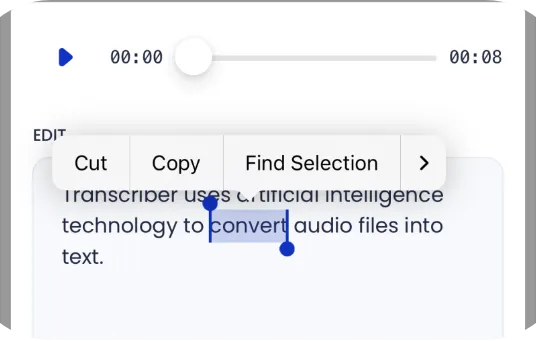
Easy to use
Transcriber follows Apple’s Human Interface Guidelines, so the gestures, controls and shortcuts you already know from the rest of the system work here too.
Add notes
Attach a note to a specific moment in an interview, so your own observations sit alongside the transcript instead of in a separate file.
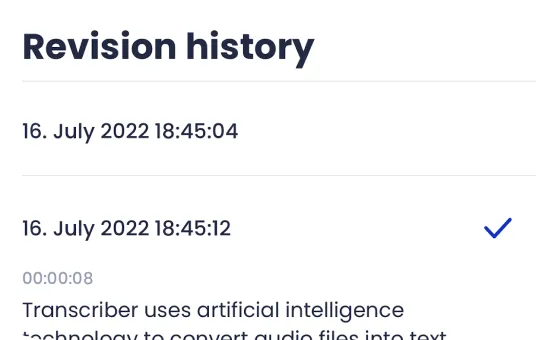
Revision history
Every edit creates a new revision and earlier versions stay available, so you can see what changed and go back when you need to.
Organise and personalise
Keep a growing library navigable, and make the app look and behave the way you want it to.
5 features
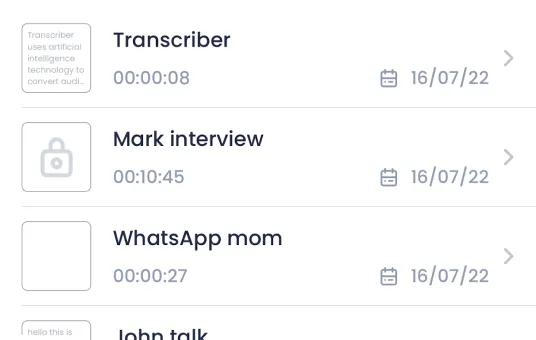
Clean overview
Every interview in one list, sorted and searchable, showing what you need to pick the right one at a glance and nothing you don’t.
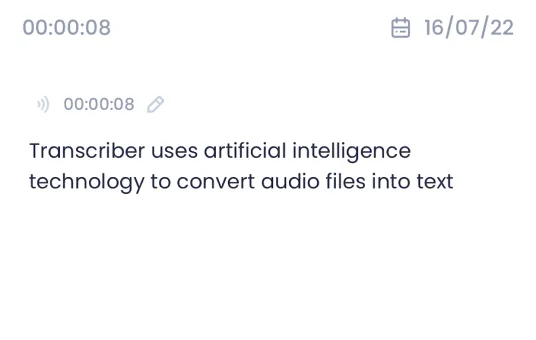
Easy navigation
Move between interviews, transcripts and notes without losing your place. On Mac and iPad a sidebar keeps the whole library one click away.
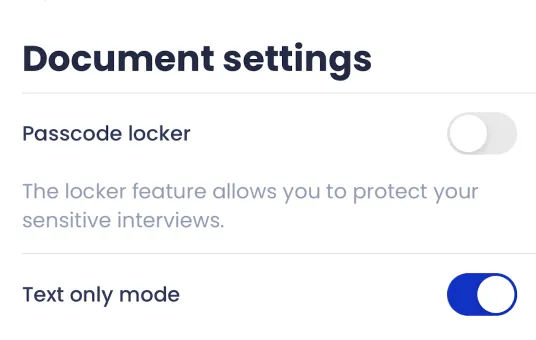
Document-based
Each interview is a real file — a .trbr document you can move, back up or send like any other. It behaves the way documents on your system are meant to.
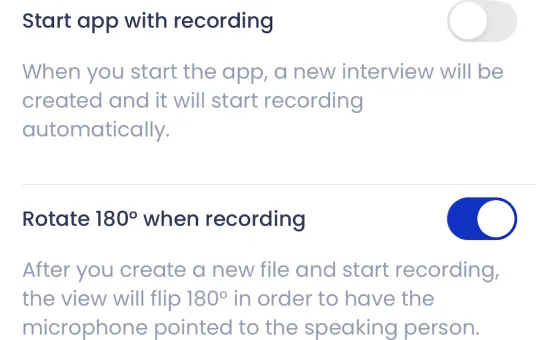
Make it yours
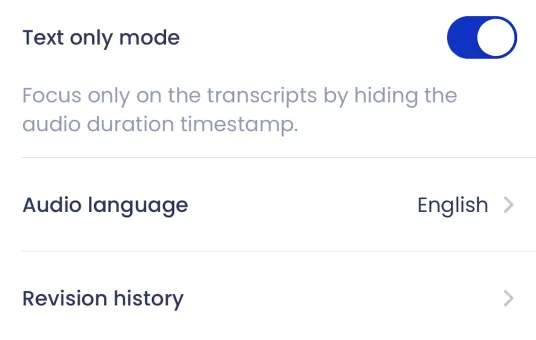
Advanced settings let you shape the app around how you work: set a default language, change the app icon, and adjust the details that matter to you.
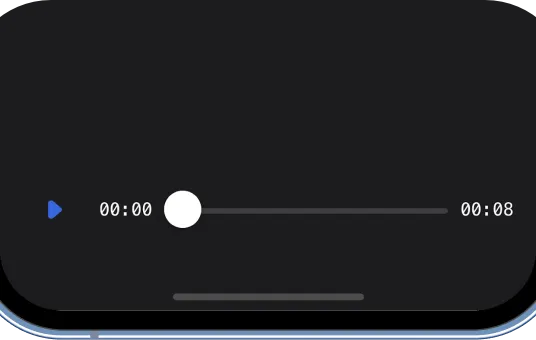
Dark mode
A true dark mode, designed rather than dimmed — every screen was reworked for it, and it follows your system setting automatically.
Protect and share
Decide who gets to see an interview — and, when the time comes, hand it off in whatever format the other side needs.
4 features
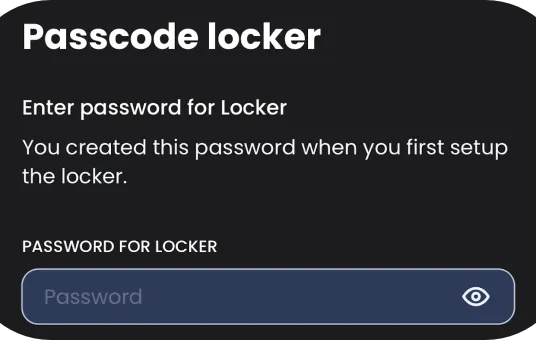
Private and secure
There is no account and no login, so there are no credentials to lose. Lock the app itself behind Face ID or Touch ID if you want another layer.
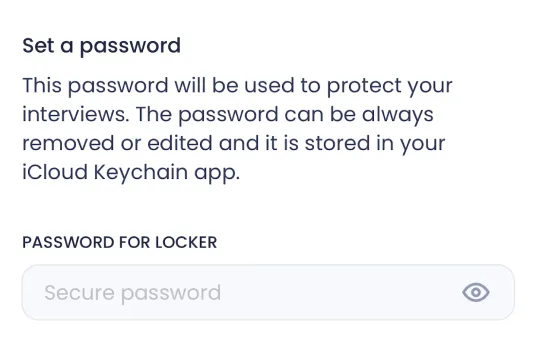
Lock sensitive interviews
Some interviews need more protection than the rest. Lock an individual interview behind Face ID or Touch ID, separately from your wider library.
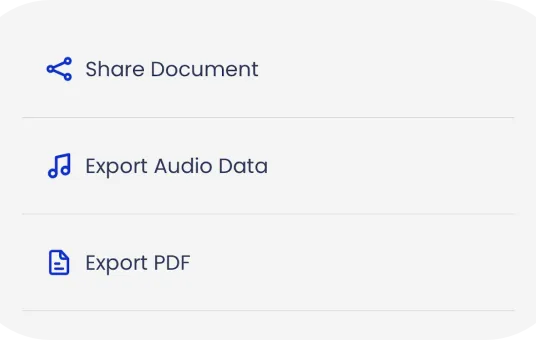
Share
Share the whole document, the audio on its own, a PDF, or plain text by email — whichever format the person on the other end actually needs.
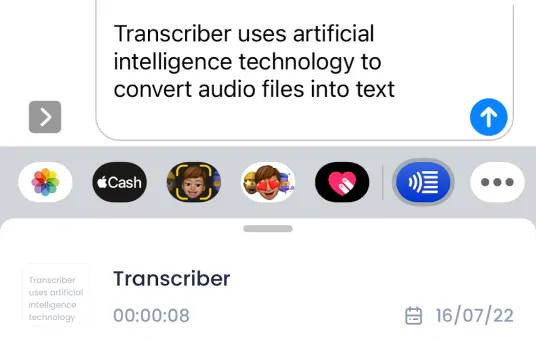
iMessage
Send a transcript straight from Messages, without leaving the conversation to do it.